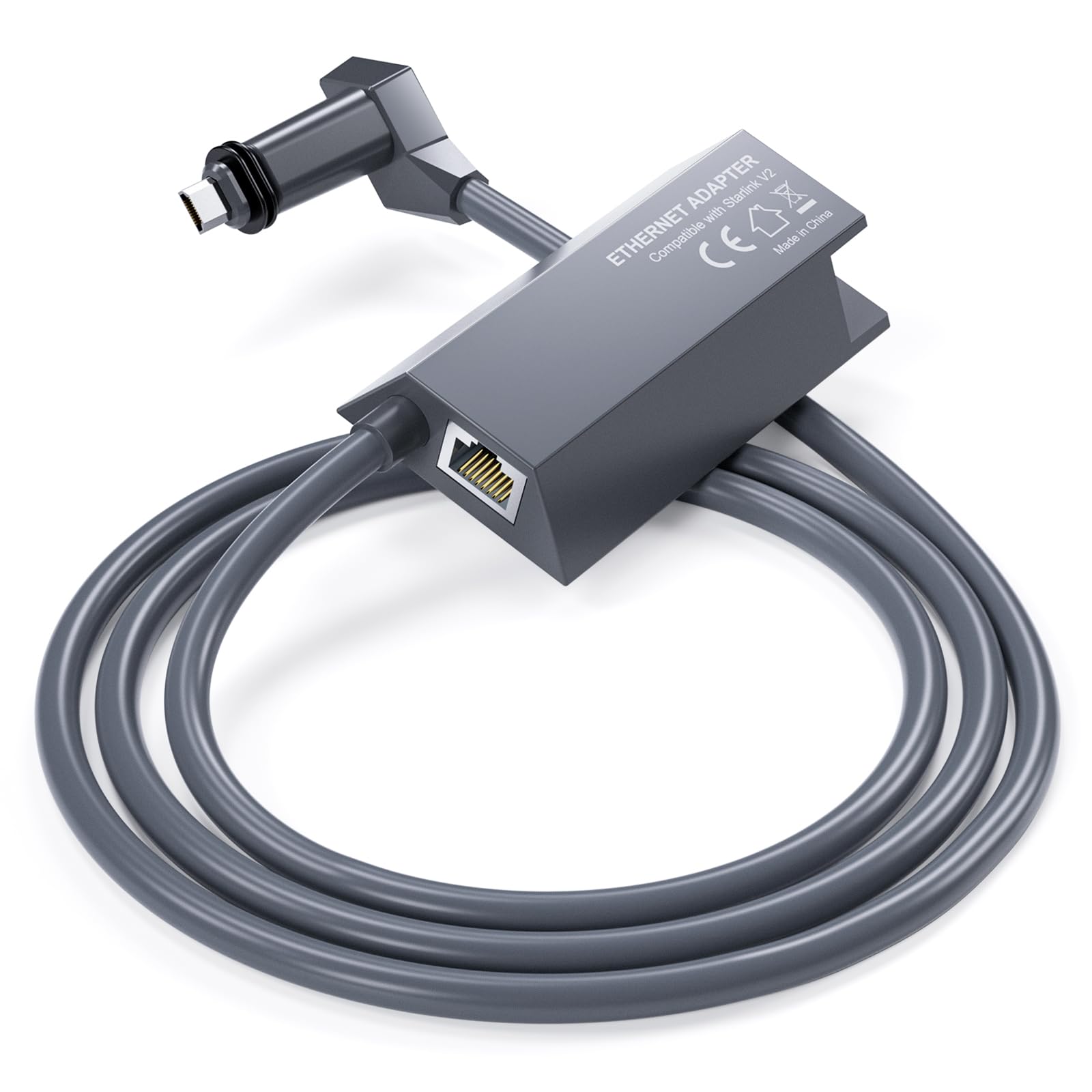


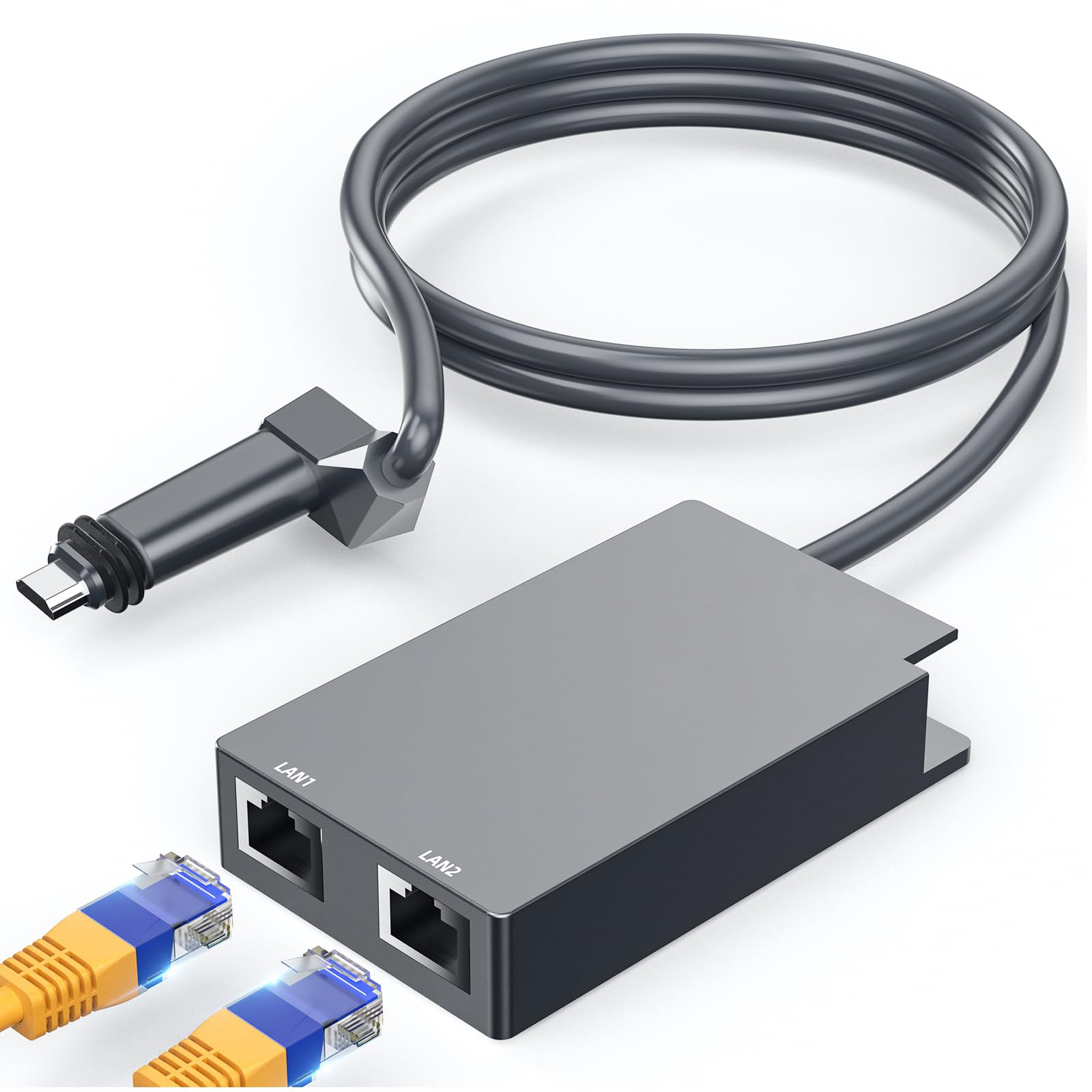
Cozytto Multi Port Ethernet Adapter for Starlink Gen 2, 1 to 2 Wired Network Converter, 1 Gbps Fast Stable Internet Hub for V2 Rectangular Satellite
.jpg?w=656&h=140&q=80)
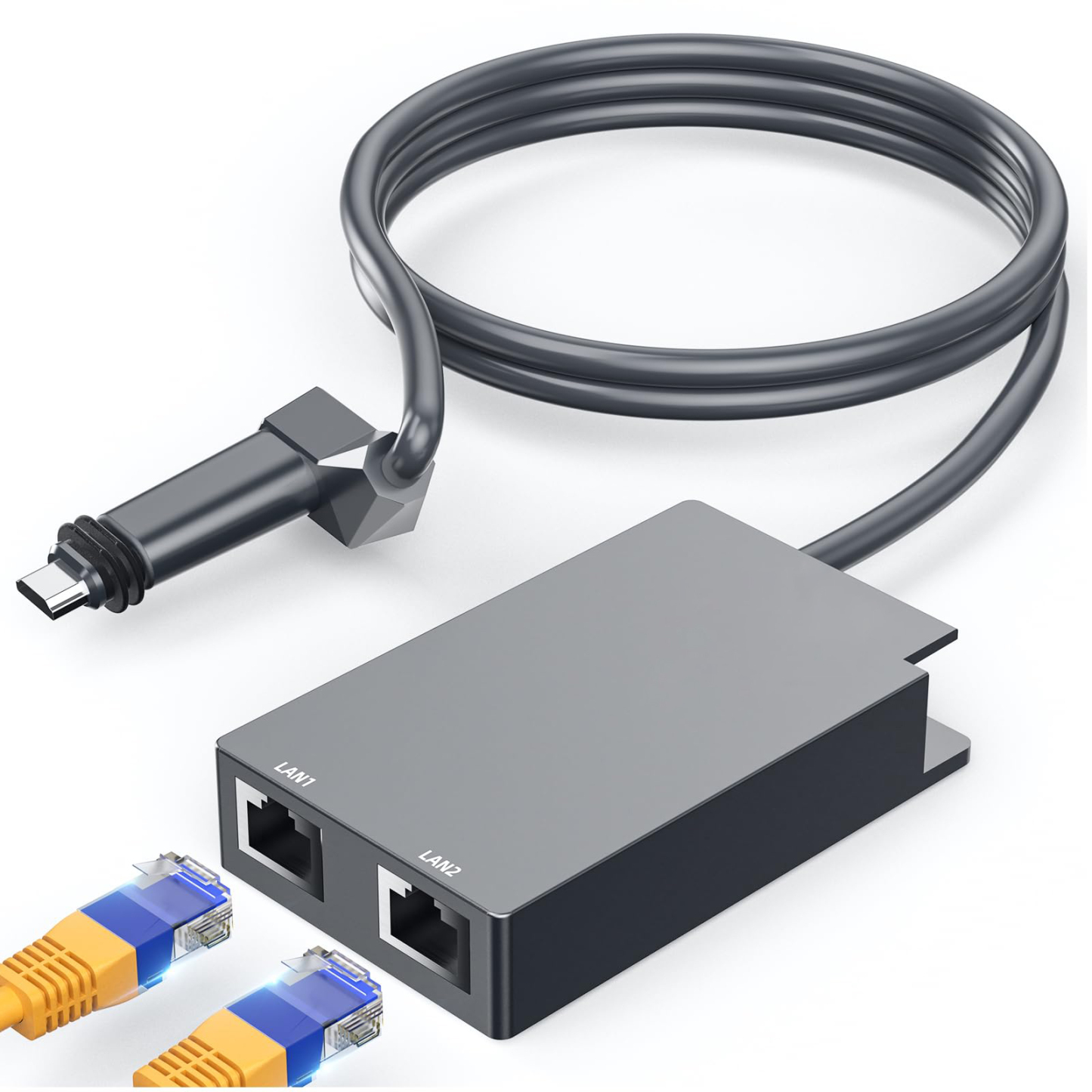
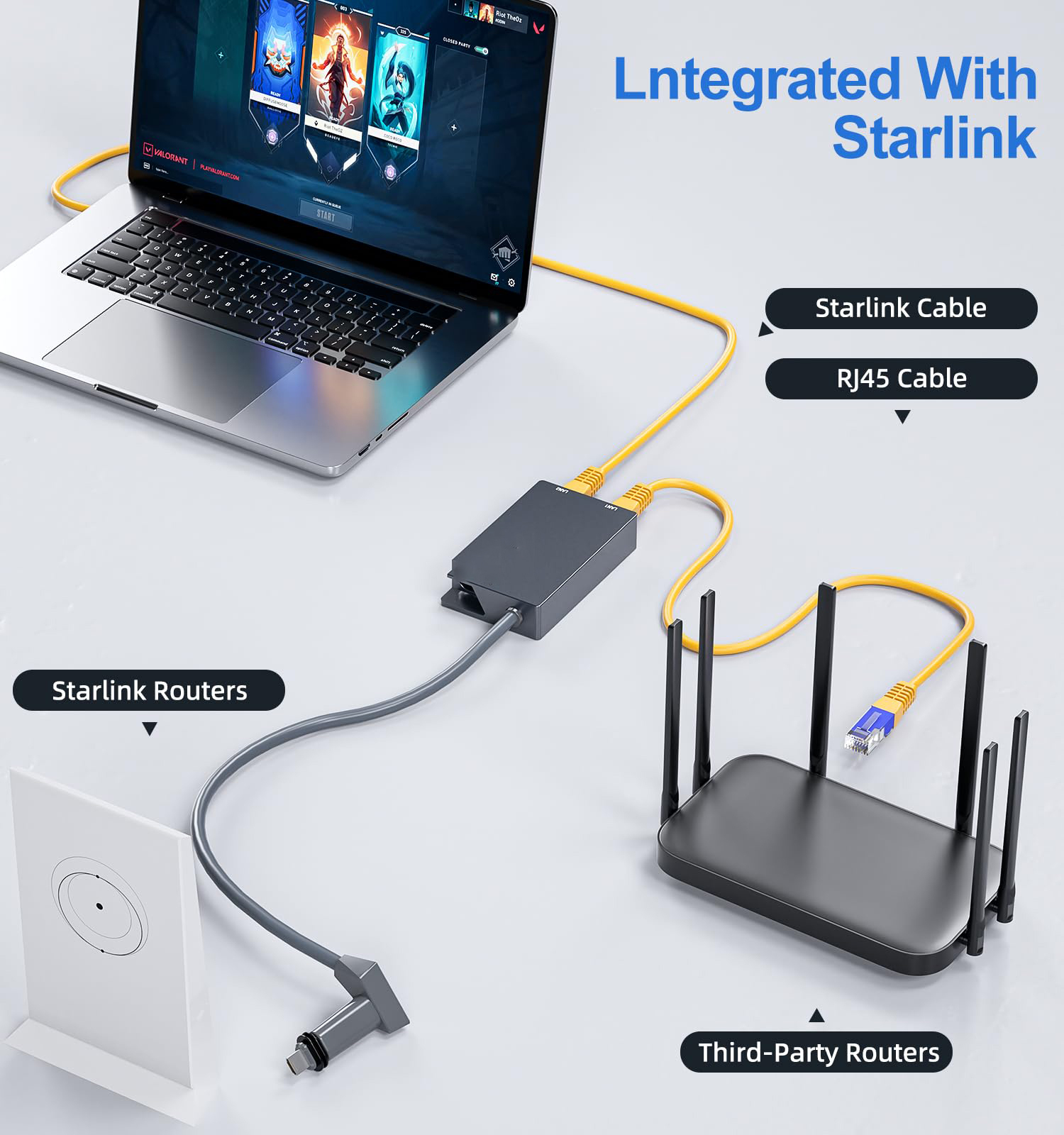
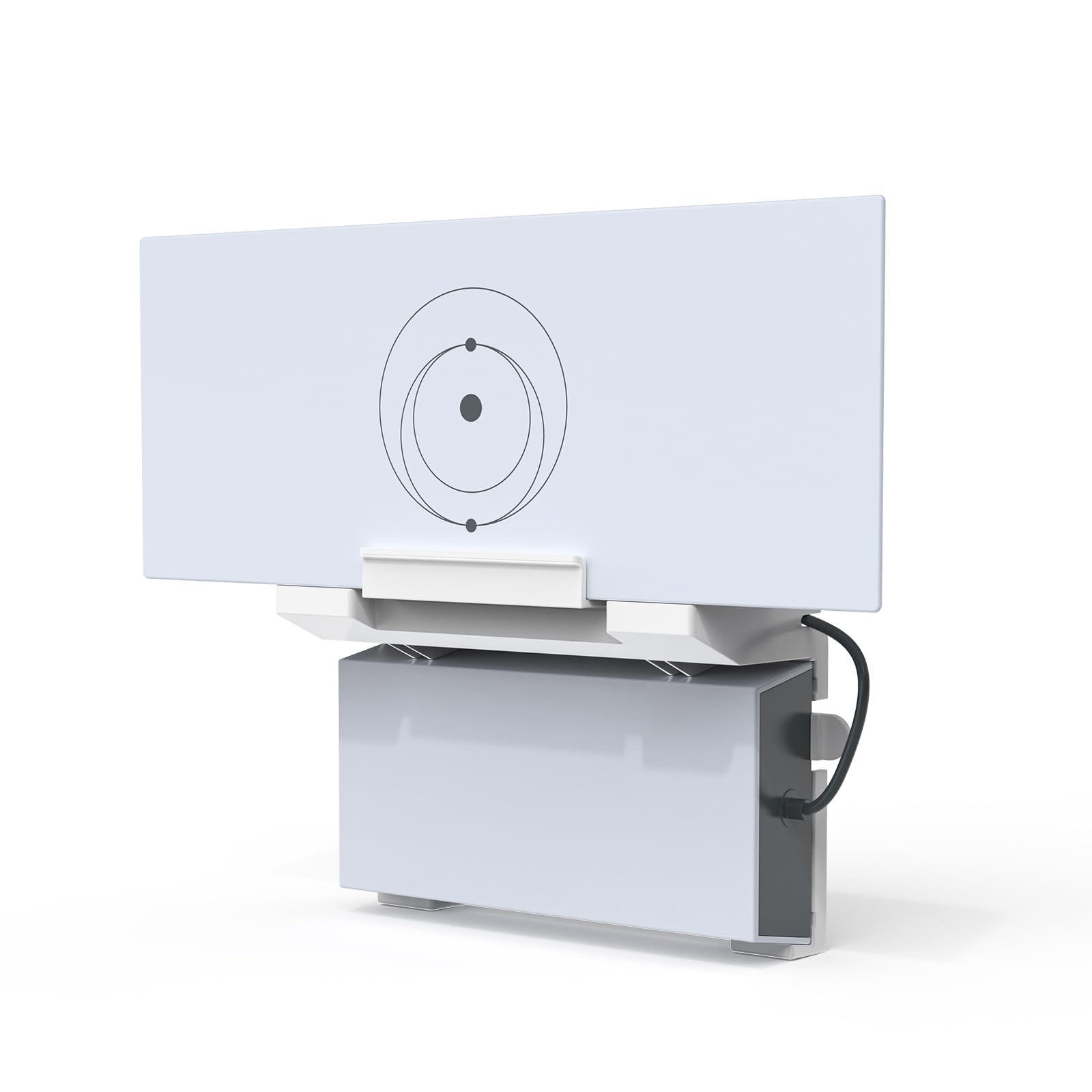
Boost your Starlink Gen 2 setup with this Multi Ports Ethernet Adapter, designed to connect two devices simultaneously via dual RJ45 ports, delivering lightning-fast 1 Gbps speeds. Perfect for gaming, streaming, or large downloads, its advanced chip ensures rock-solid stability with no signal delays. This adapter extends your network to hard-to-reach areas, integrating seamlessly with mesh WiFi systems, PCs, laptops, consoles, or printers. Installation is a breeze—simply plug into your Starlink router, reconnect the antenna cable, and power on for a driver-free, plug-and-play experience. Compatible with Cat 5, 5e, 6, 7, and 8 cables, it offers versatile connectivity for home or office. Ideal for overcoming port limitations, this compact adapter ensures reliable, high-speed internet for all your devices.

 Features
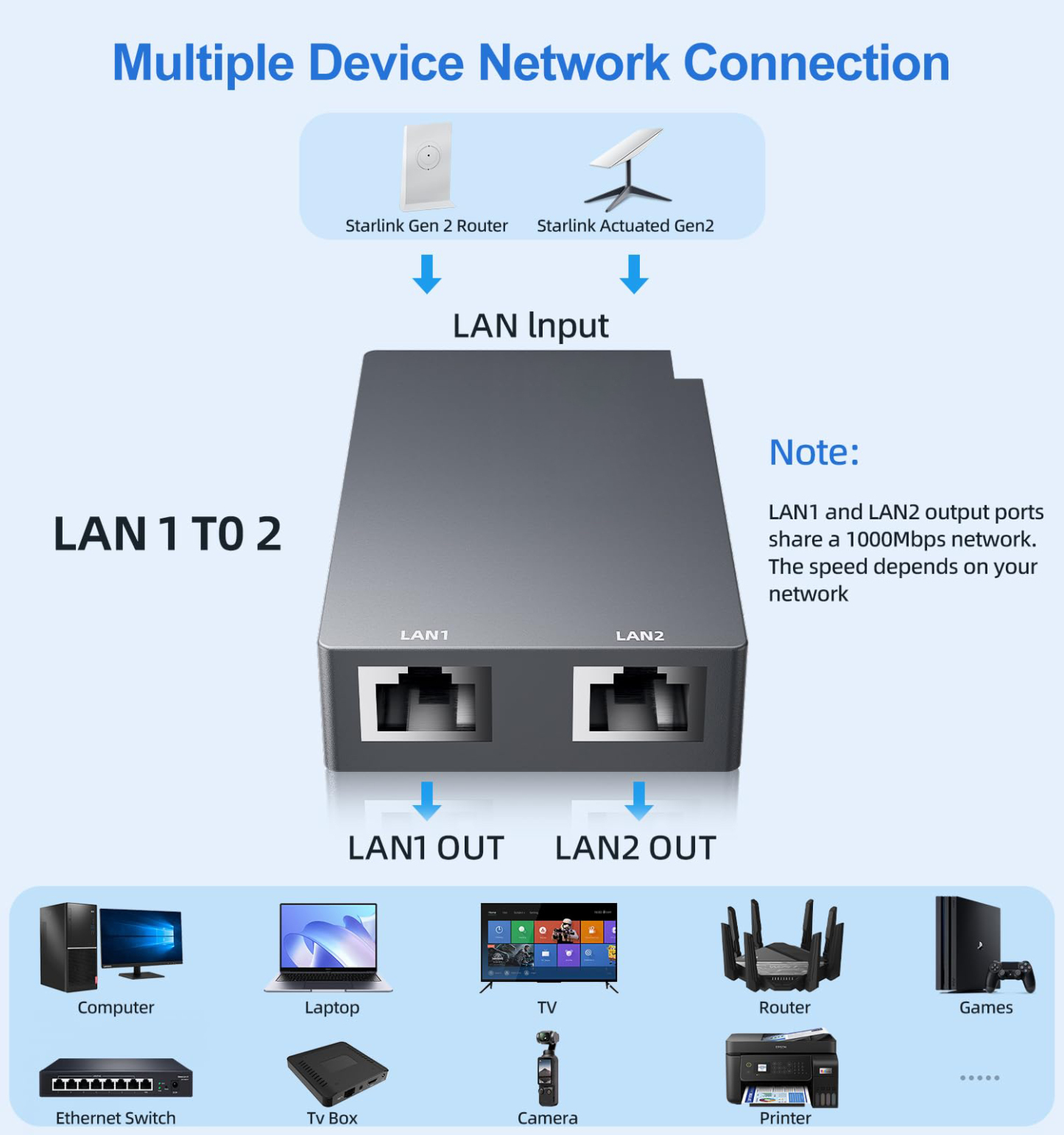
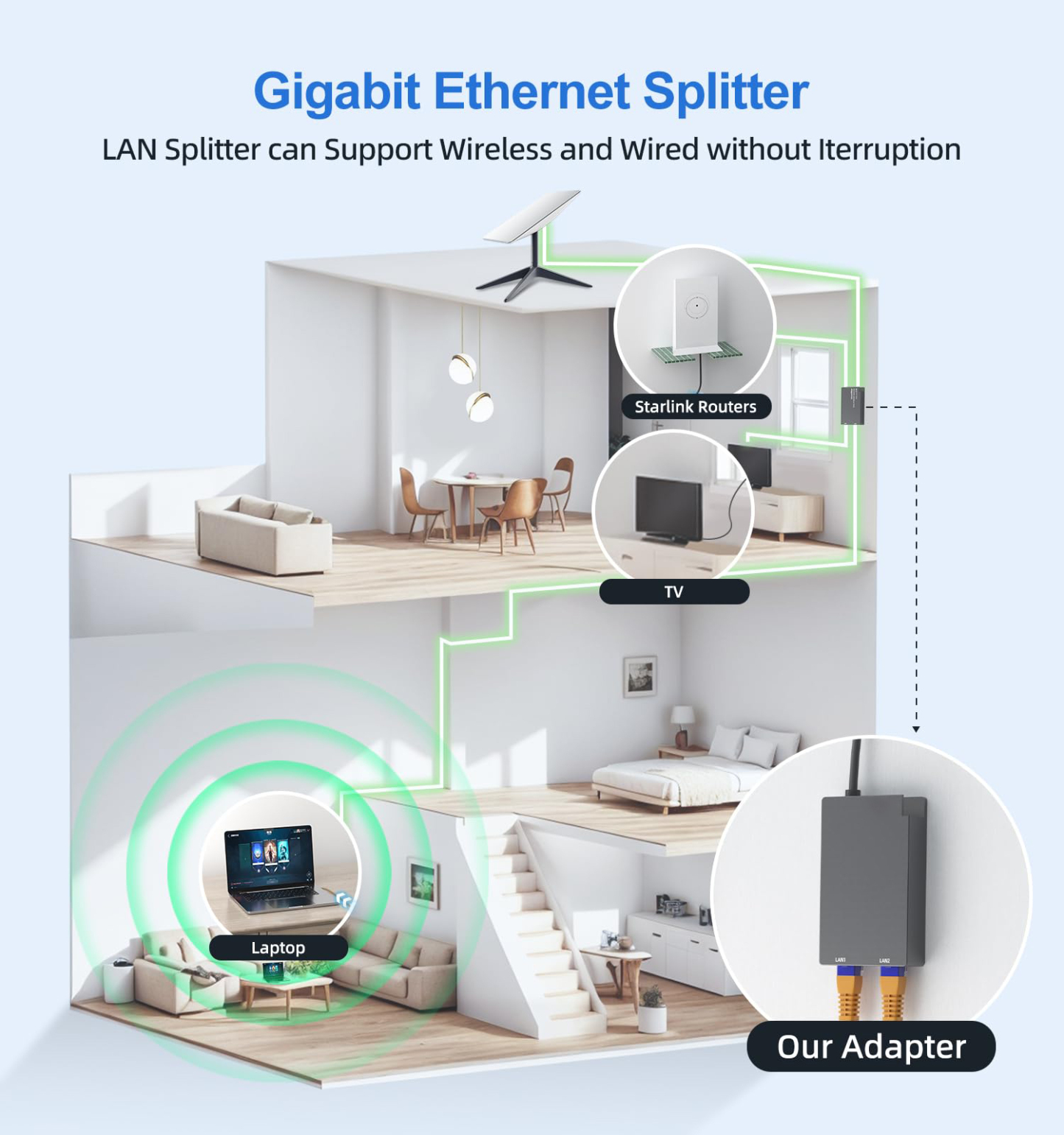
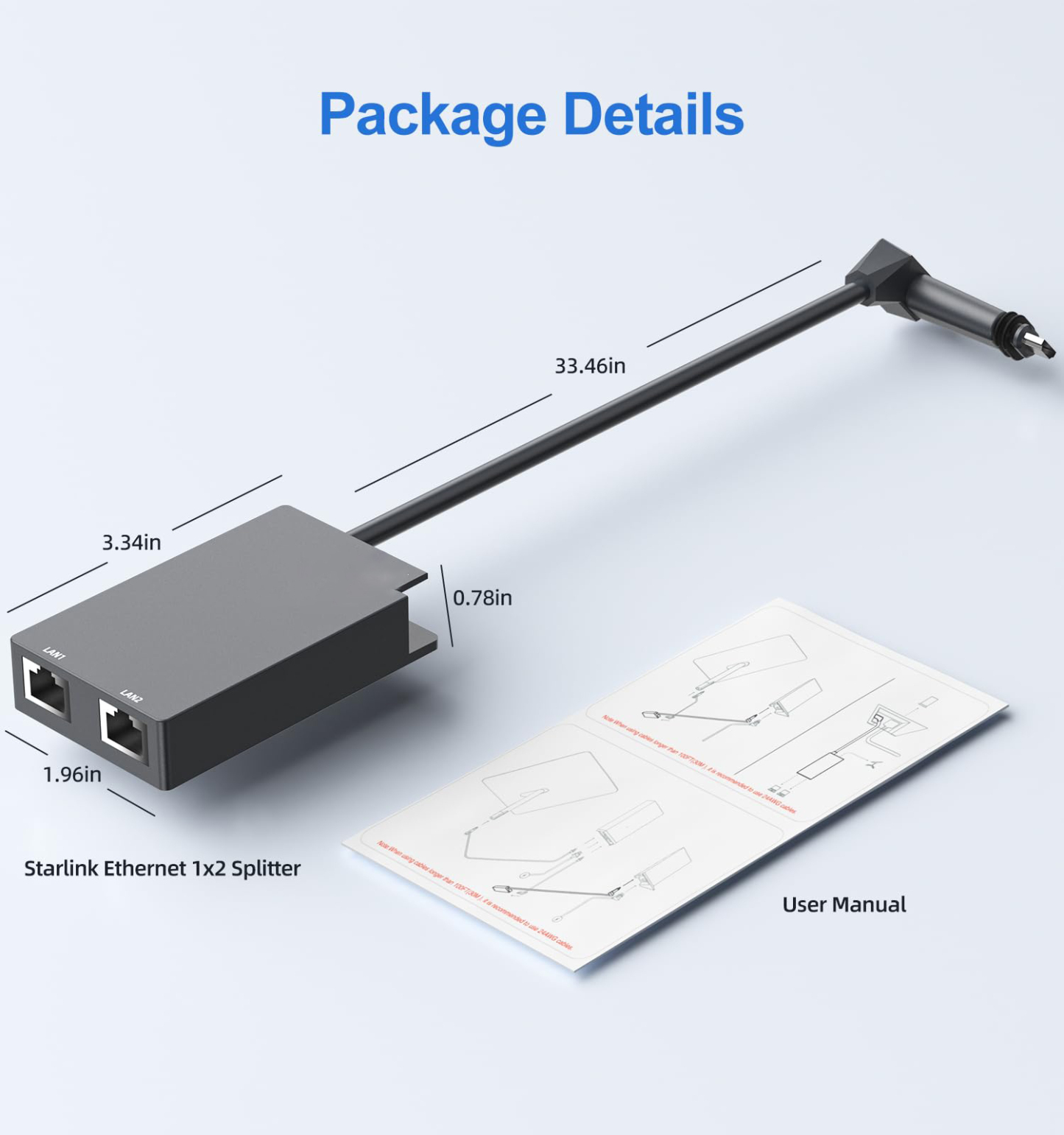
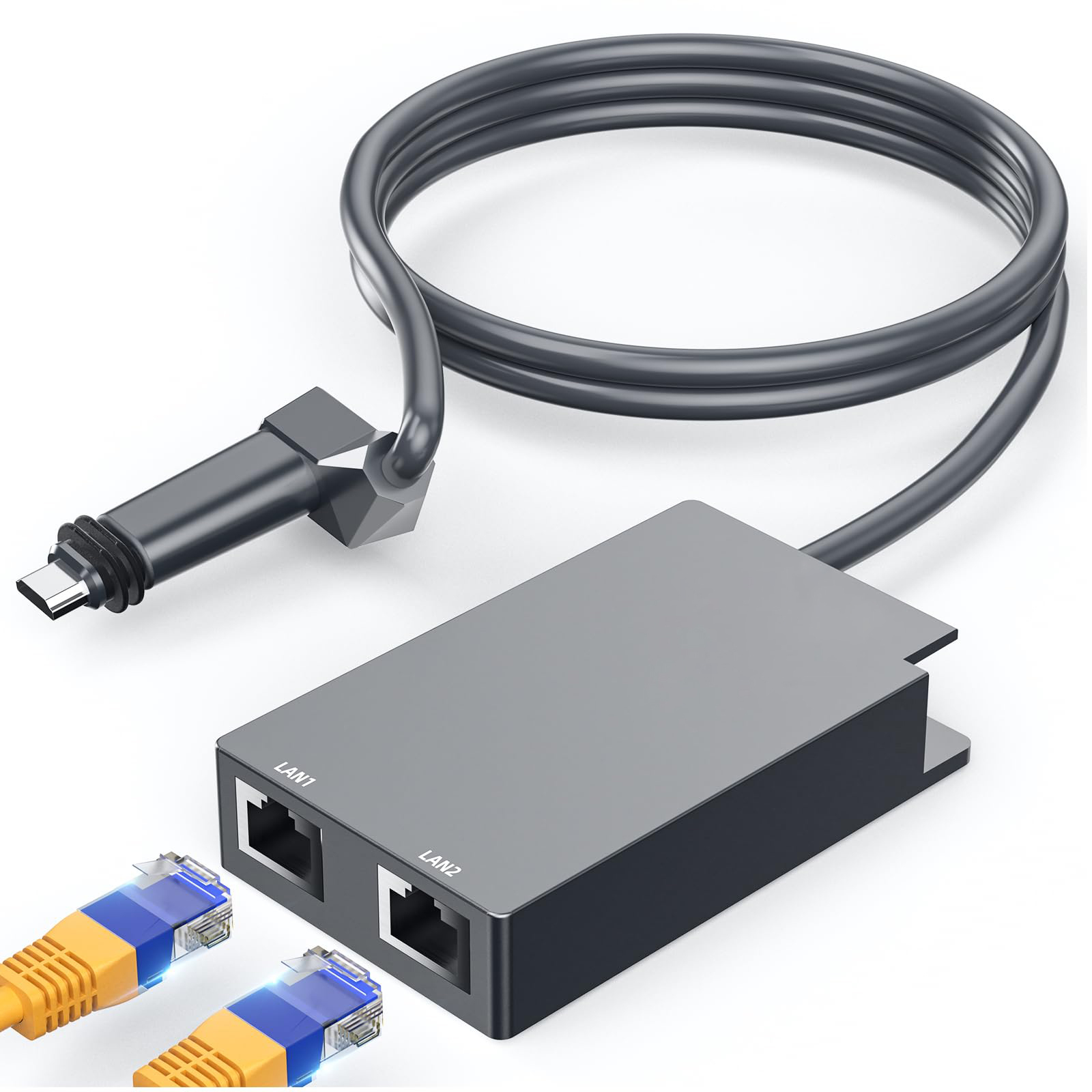
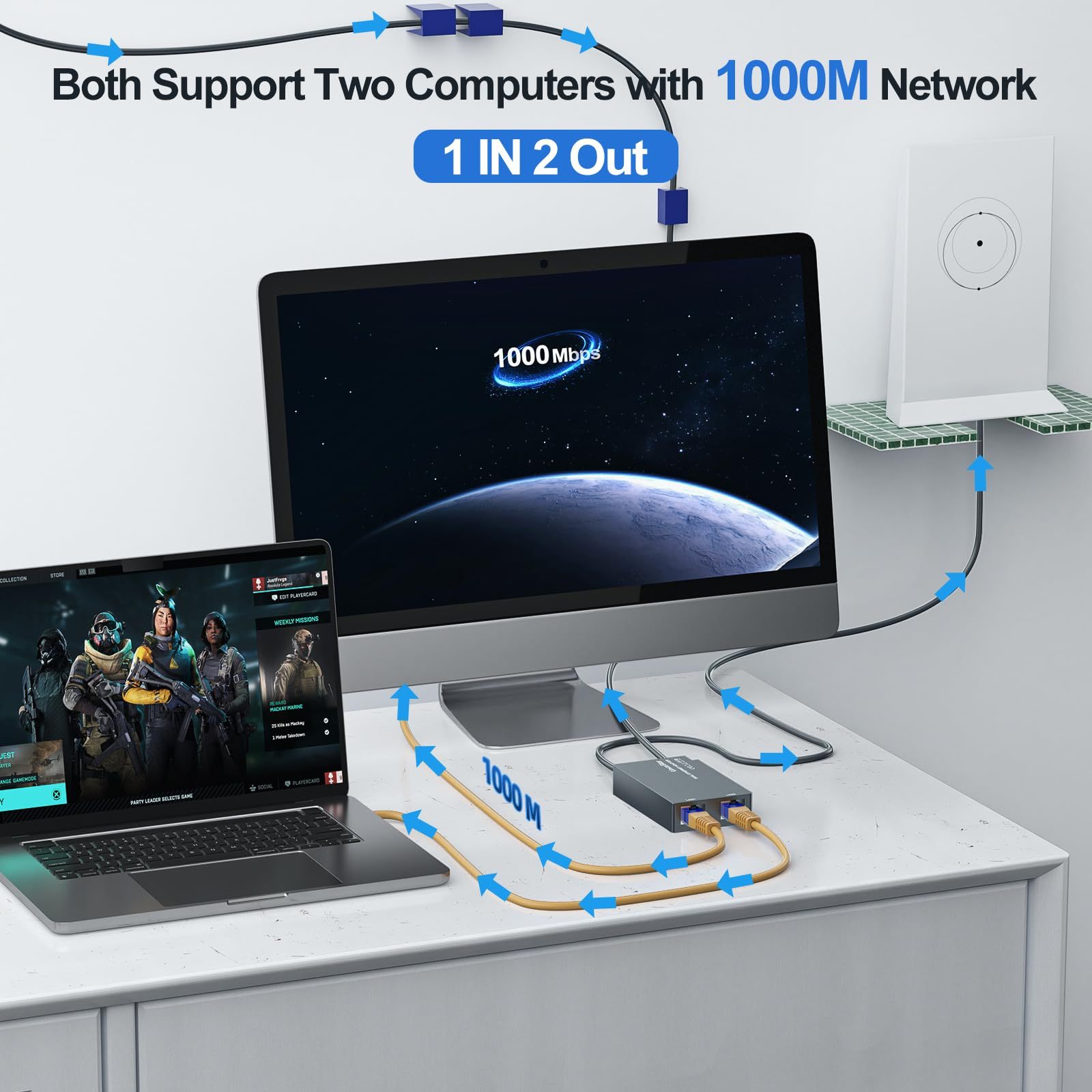
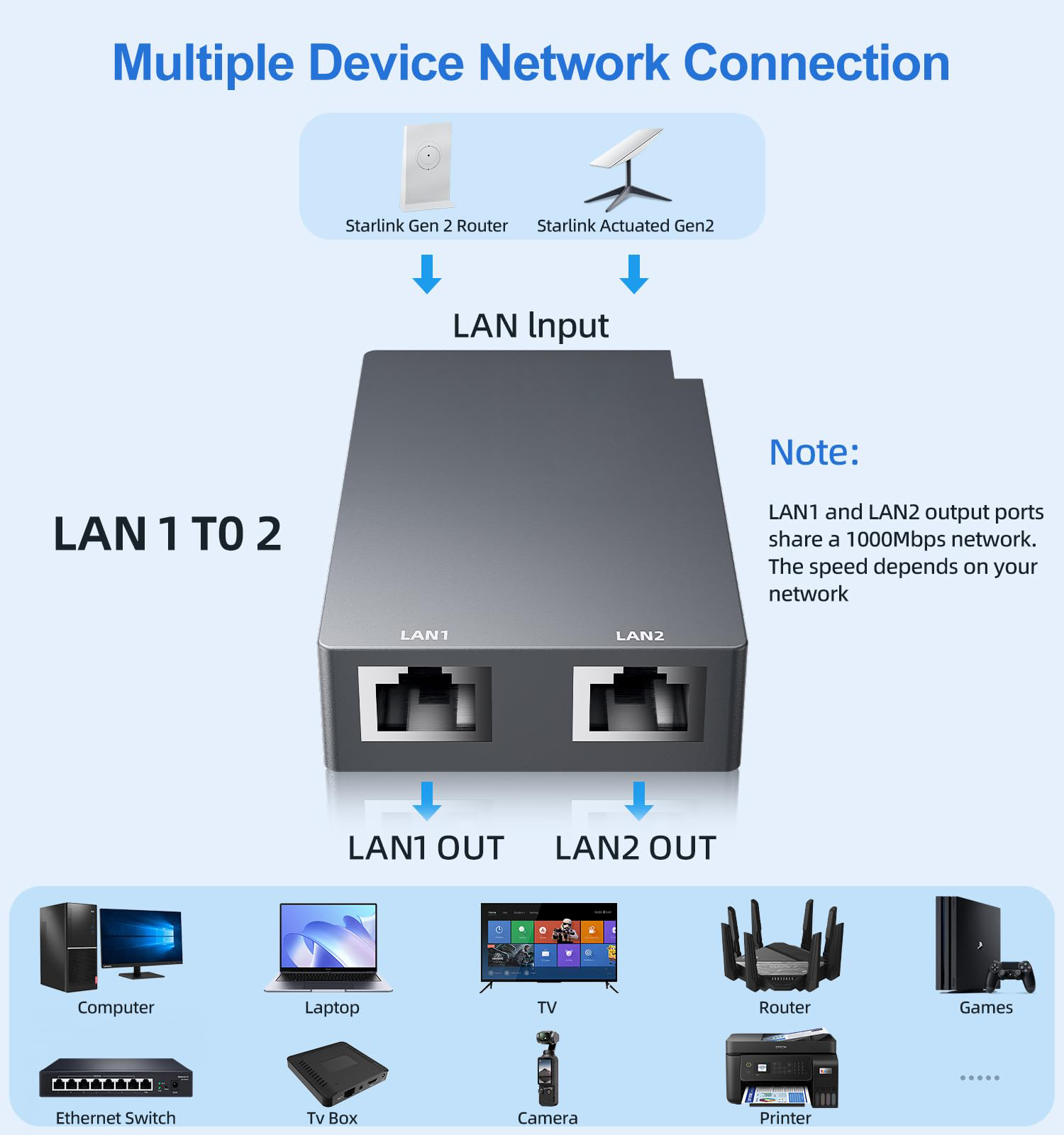
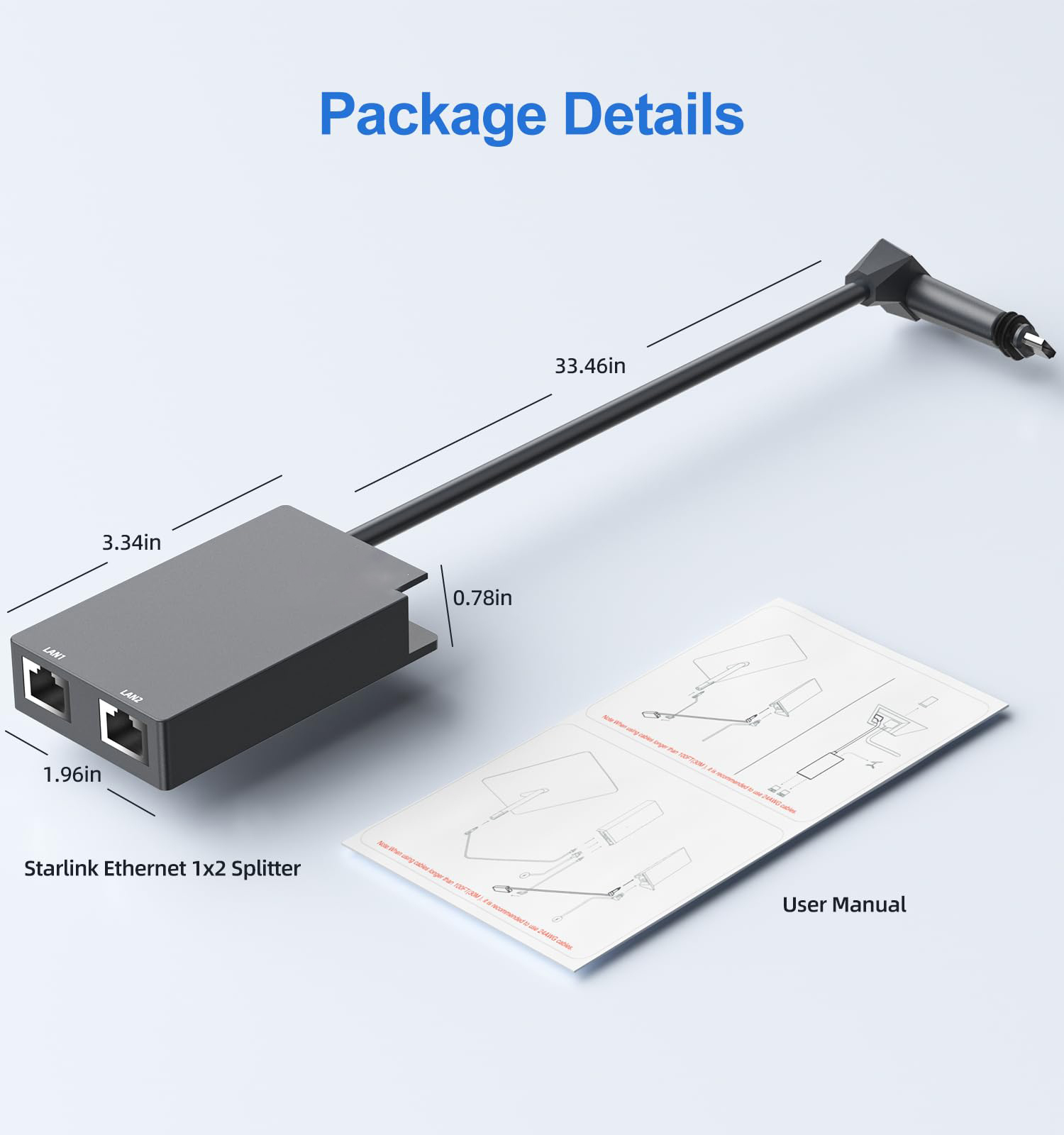
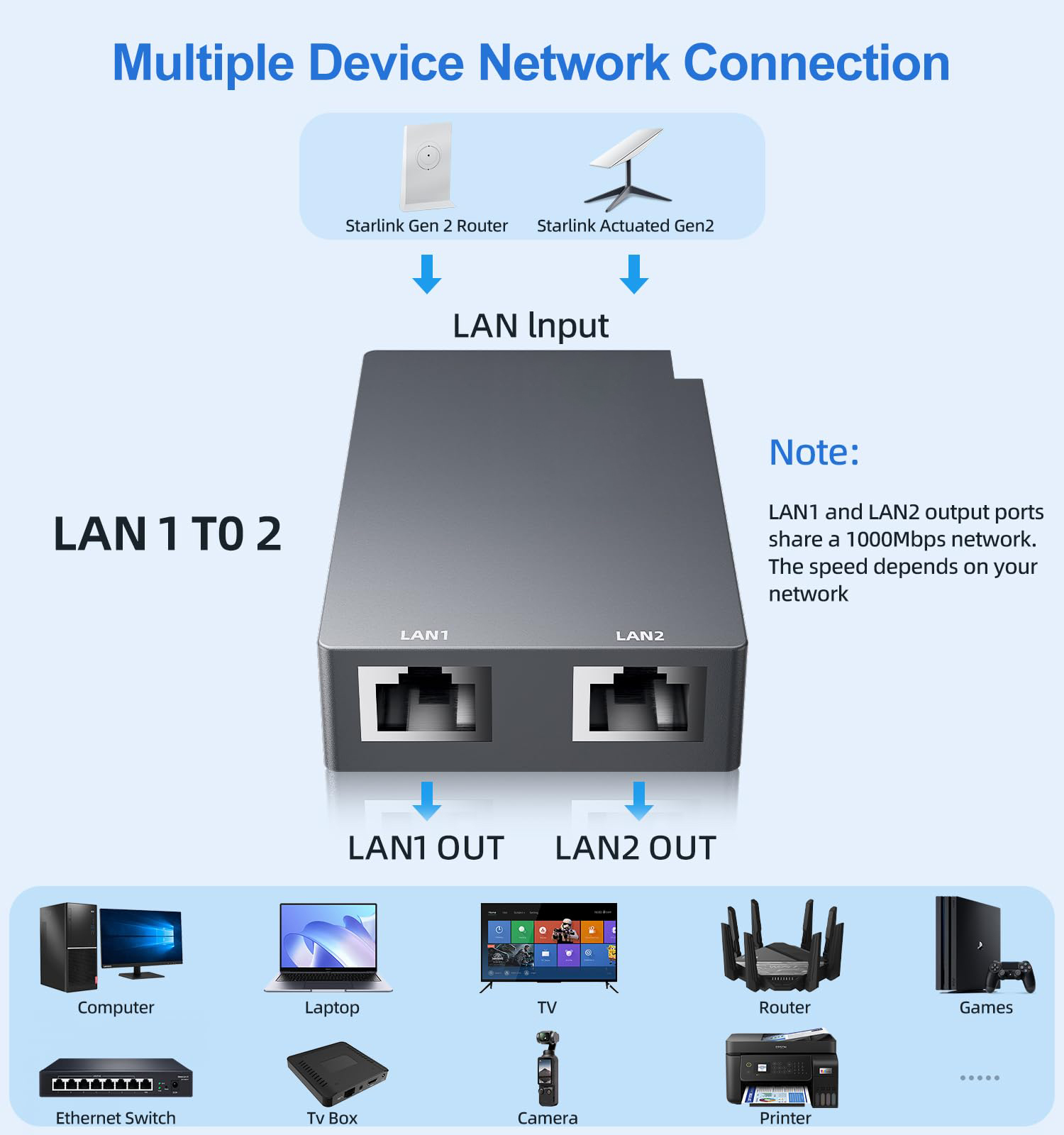
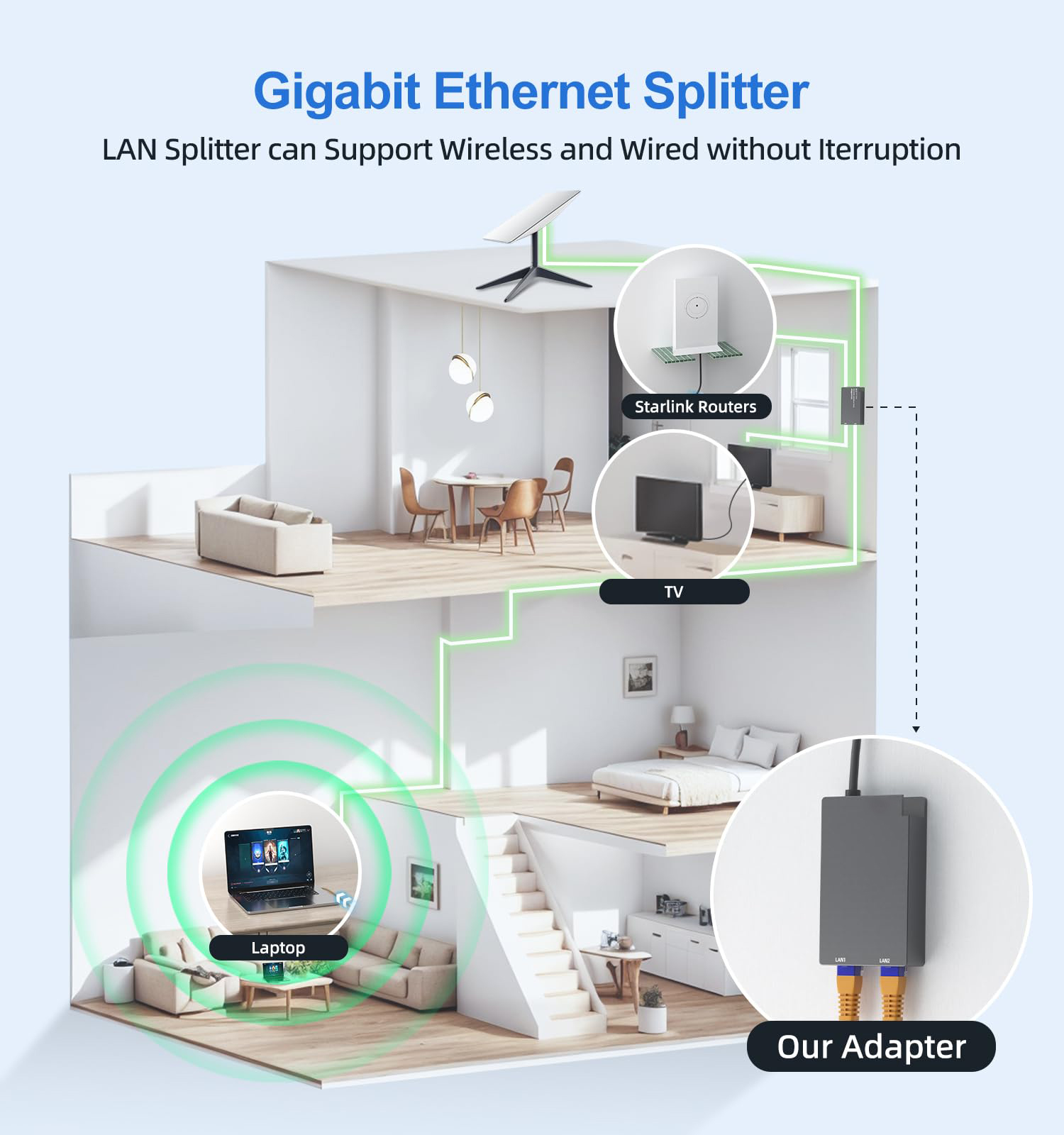
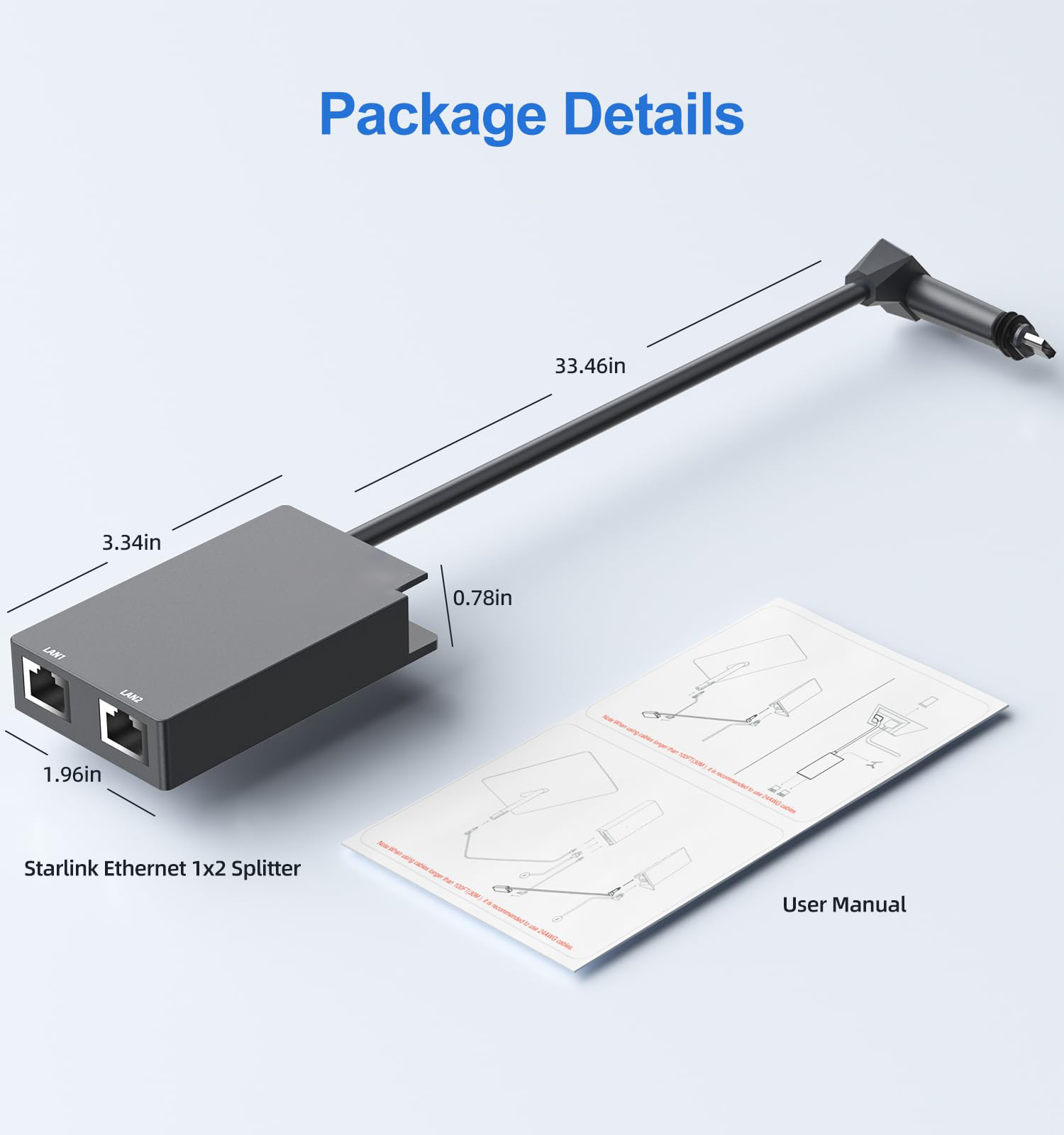
- [ 1 to 2 Starlink Ethernet Adapter ] The Linkoostar 1 to 2 RJ45 Gigabit Ethernet Splitter provides an efficient network expansion solution, easily expanding Starlink to double RJ45 network ports setup. It supports to network two devices simultaneously, which help you overcome the limitations of insufficient Ethernet ports indoor instead of repeatedly plugging and unplugging cables. Whether you're working, gaming, or streaming, enjoy uninterrupted connectivity that enhances your digital life!
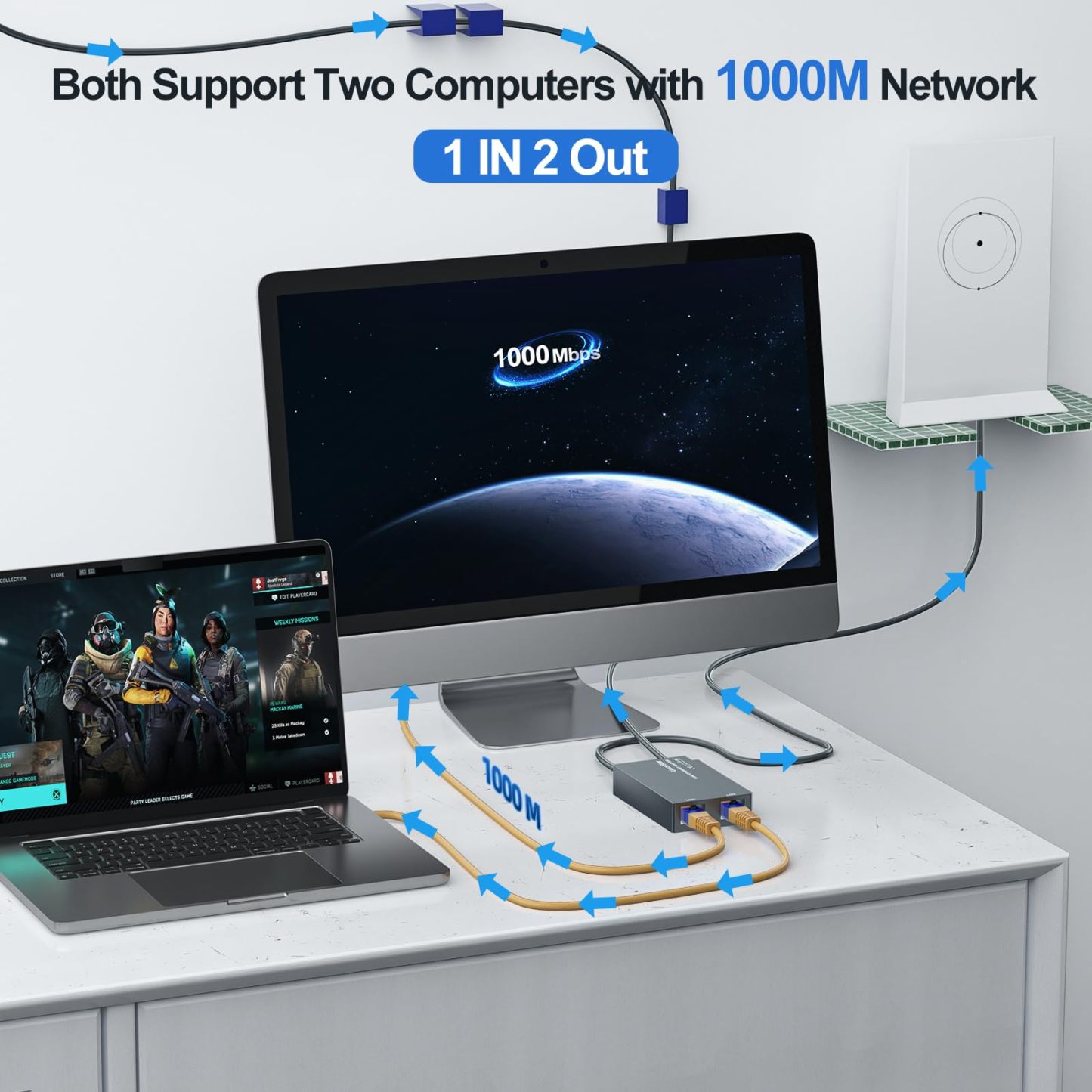
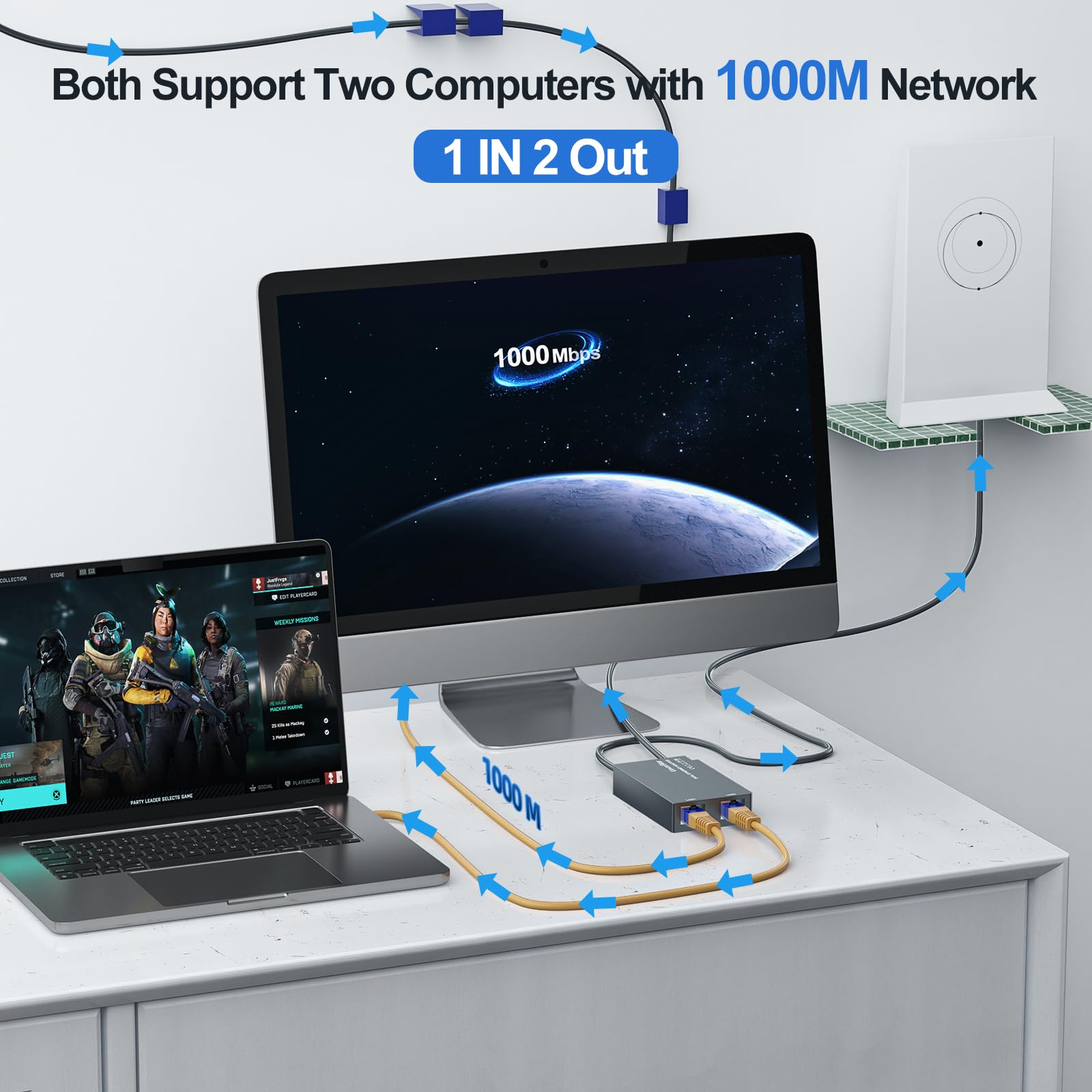
- [ Dual Ports 1000Mbps Lightning Fast & Rock-Solid Stability ] Say goodbye to slow and unstable Wi-Fi! With our double ports starlink ethernet adapter featuring the advanced chip, enjoy a stable high-speed connection with a total bandwidth of up to 1000Mbps for double ports. No more worrying about signal delays or disconnections. Ideal for large downloads, online gaming, and video streaming, this device guarantees an optimal online experience, allowing you to stay focused and productive without interruptions.
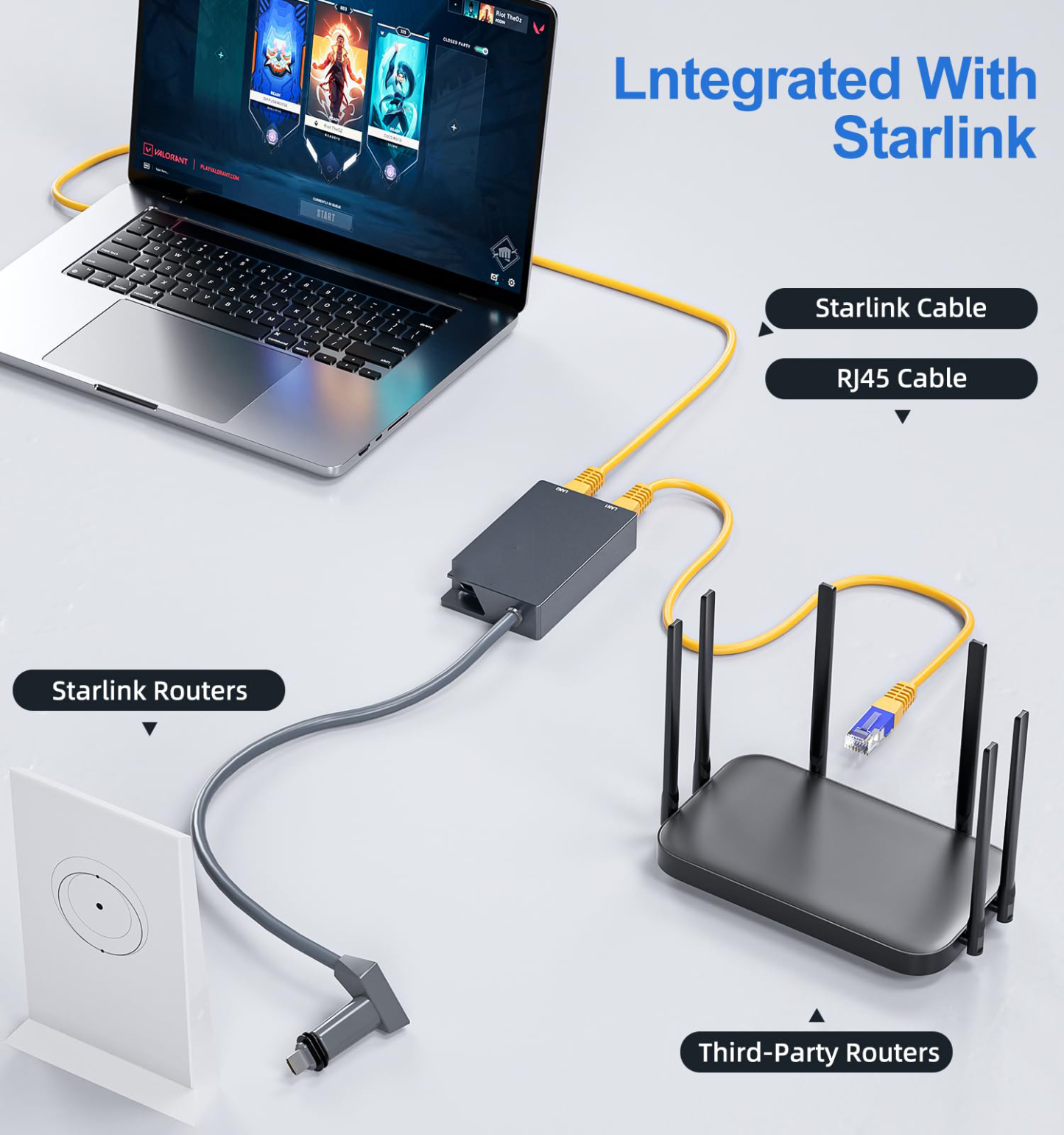
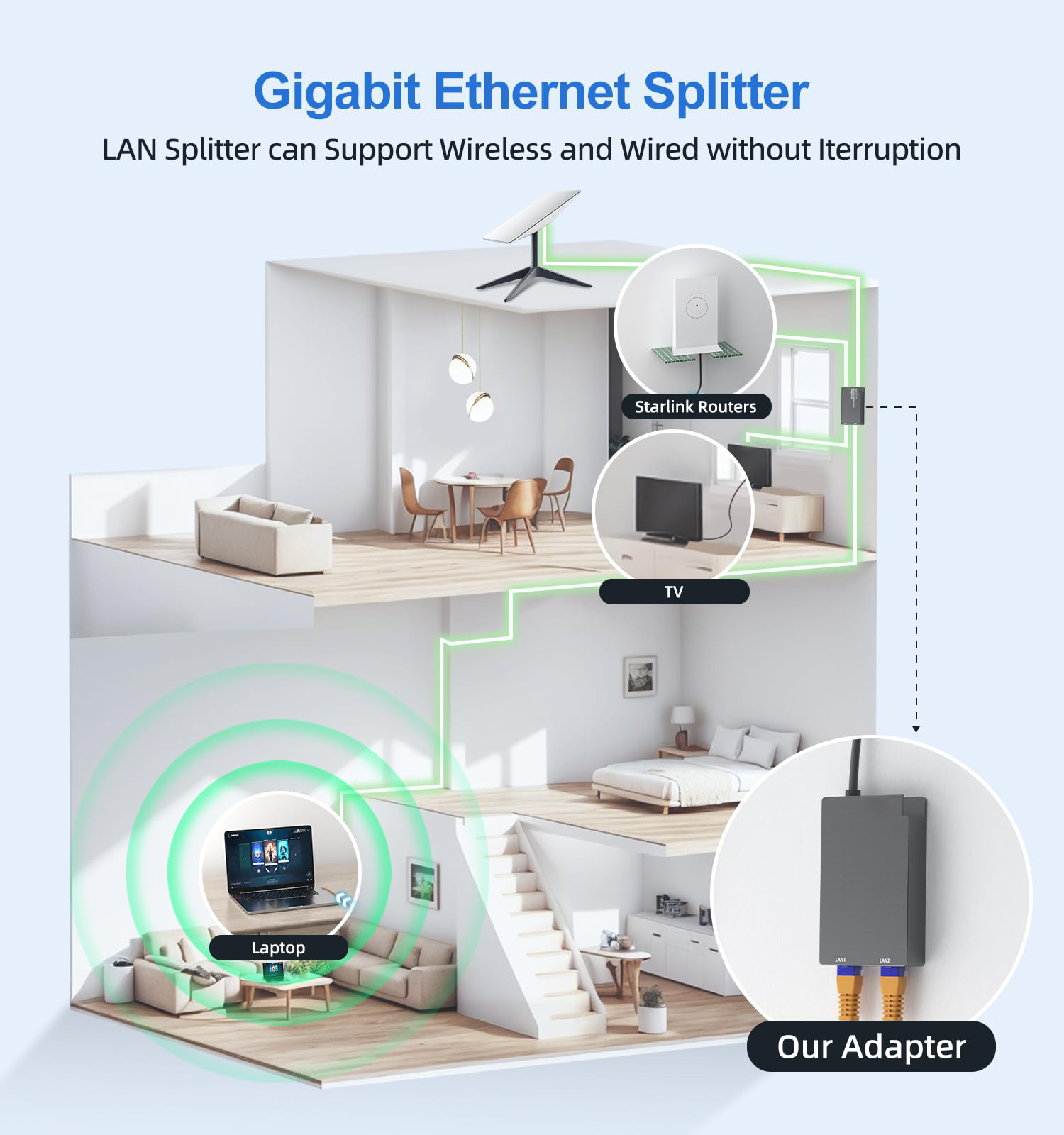
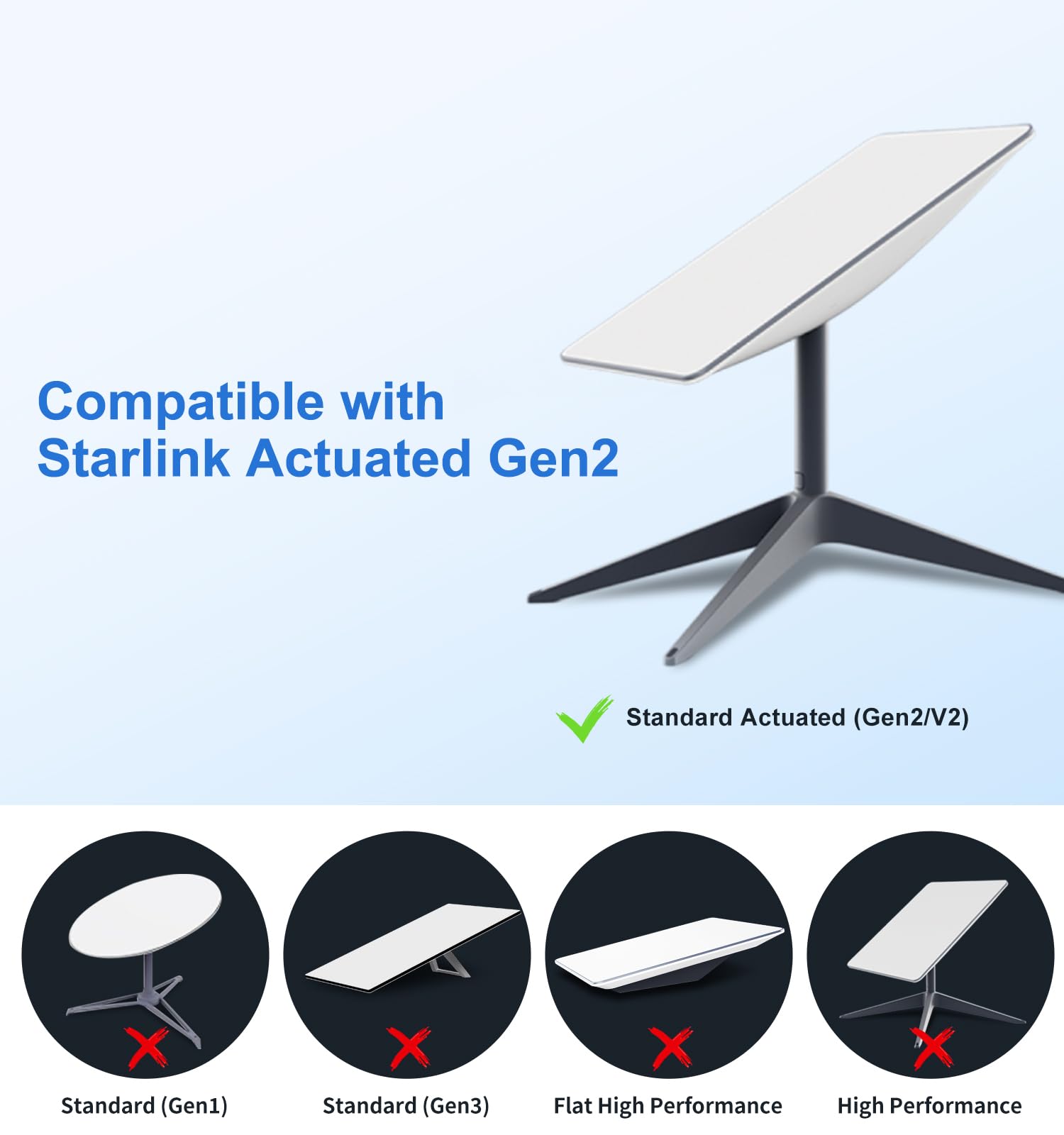
- [ Improved Speeds ] This ethernet adapter starlink enabled to connect Starlink V2 dish to existing home mesh Wi-Fi system, significantly boosting the speed. And can extend network to previously unreachable areas of your house due to numerous walls. The direct connection to PC significantly improve internet speeds, providing a more reliable and faster network experience throughout your home.
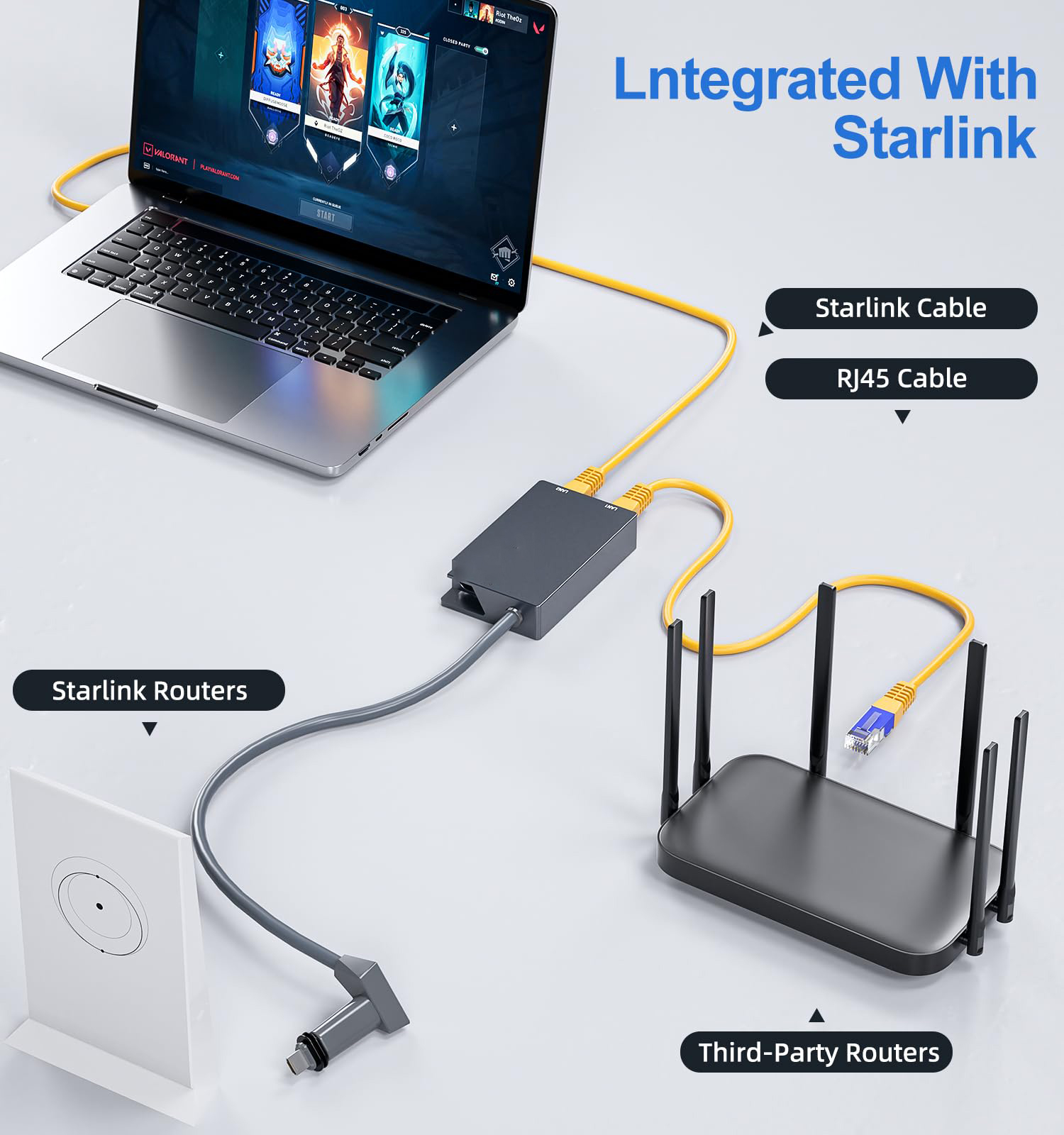
- [ Easy Installation ] Starlink adapter is driver-free. (Installation Way: 1. Turn off the Starlink router by unplugging its AC power cord from the wall outlet. 2. Unplug the Starlink antenna cable from the bottom of the router. 3. Insert the Starlink ethernet adapter v2 into the port on the router where the Starlink antenna cable was previously connected. 4. Connect the Starlink antenna cable to the connector on the starlink adapter ethernet. 5. Power everything back on by plugging the router's AC power cord back into the wall outlet )
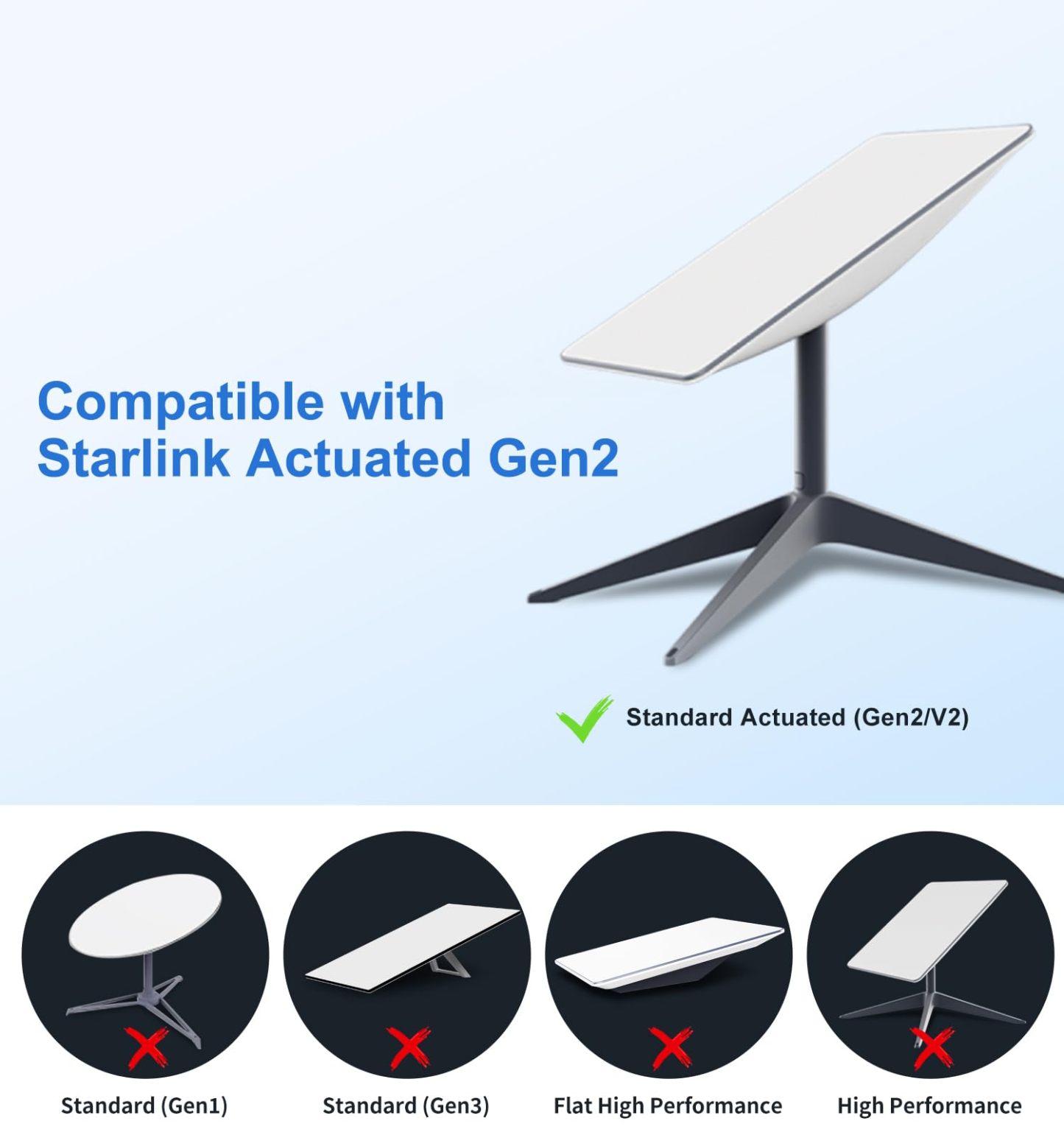
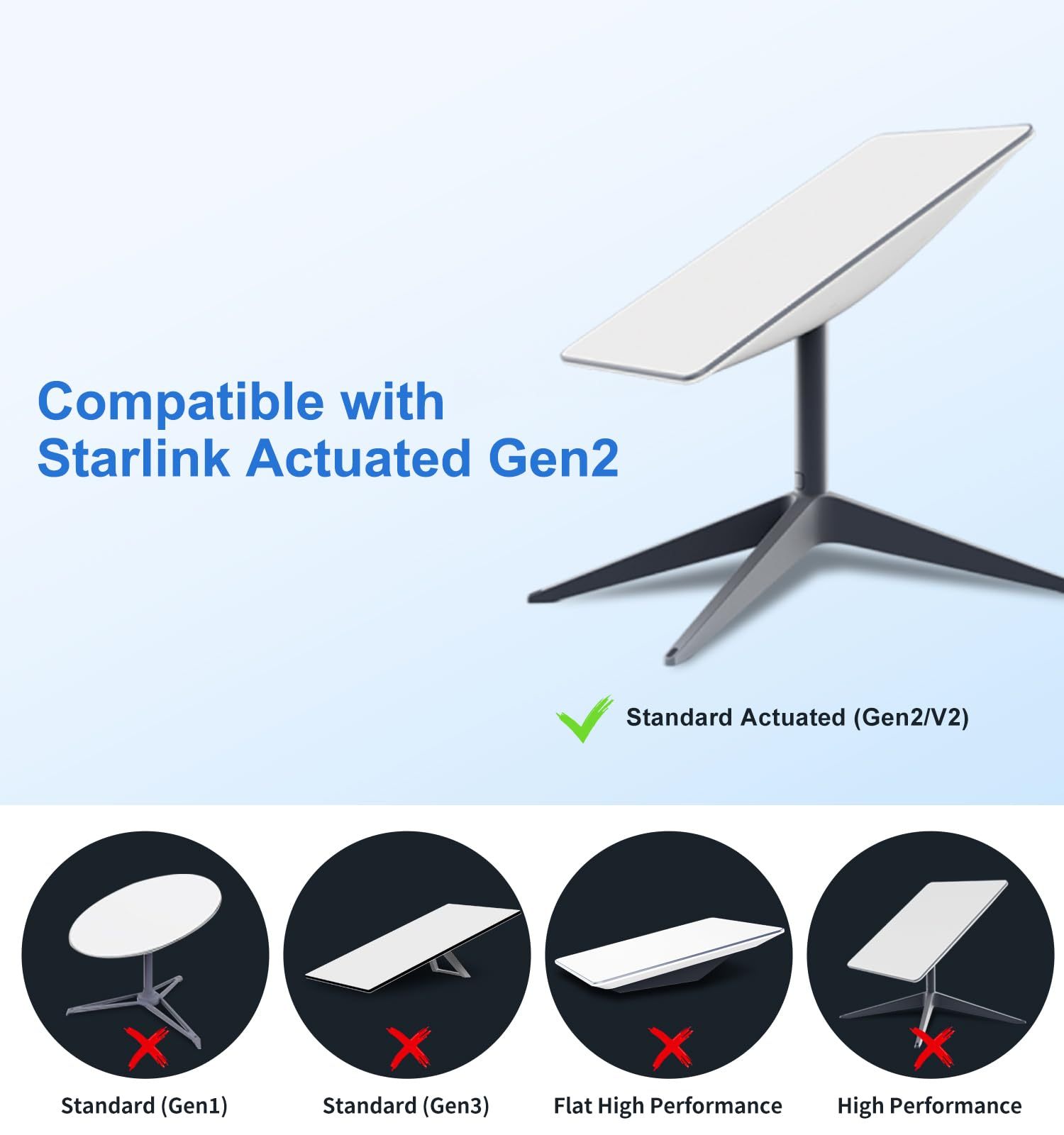
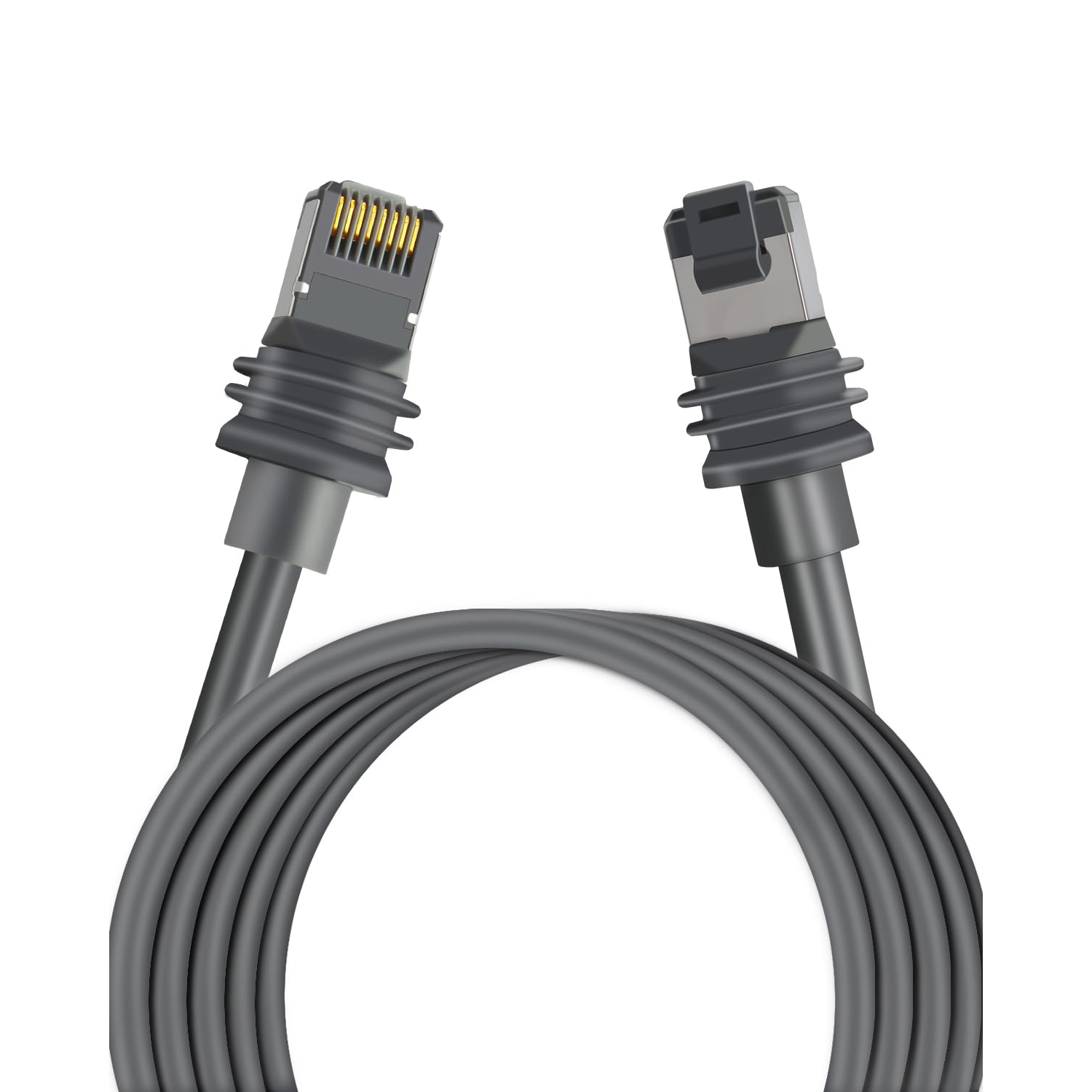
- [ Plug-and-Play & Universal Compatibility ] The starlink ethernet adapter v2 can simply connect with starlink Gen 2 dish, and enjoy a Plug&Play experience without the need for driver installation. The user-friendly functionality makes it convenient for anyone, compatible with various models of Ethernet cables (Cat 5, 5e, 6, 7, and 8), and works seamlessly with routers, network switch, PC, laptop, gaming console, printer, DVR, etc.